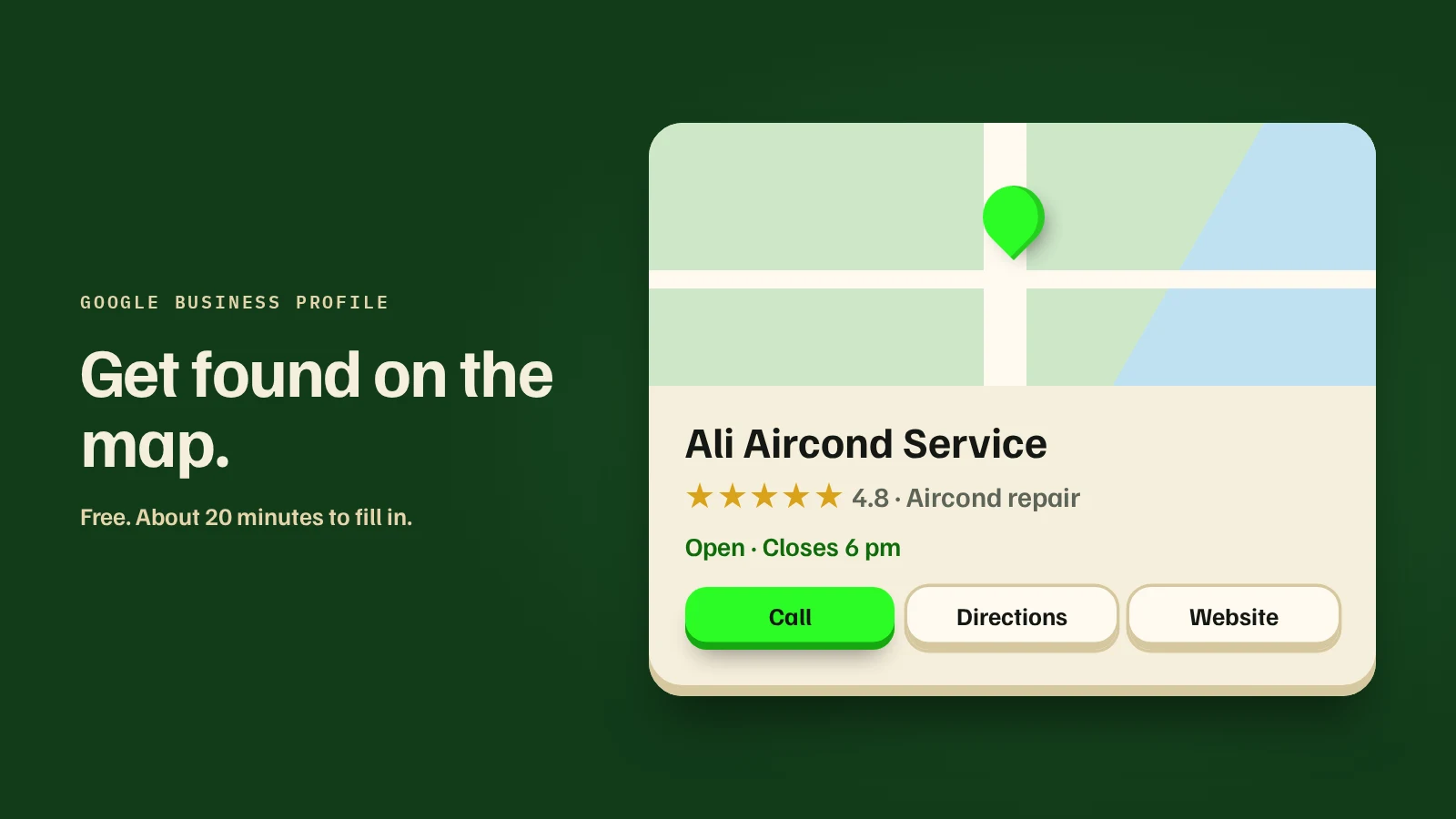
Search for a local business on your phone, and the first thing you usually see isn't a website. It's a Google Maps listing with a phone number, opening hours, directions and reviews.
That listing is your Google Business Profile. It's free, it takes about 20 minutes to fill in, and for a local business it's often the page that brings the call. Verification adds a few days on top.
Before you start
Have these ready, so you can do it in one sitting:
Set it up, step by step
- Start from Google Maps or the Google Business Profile page. On Maps, choose "Add your business". On the web, search "Google Business Profile" and sign in.
- Search for your business name first. If a listing already exists (customers sometimes create one), claim it instead of making a second one.
- Choose your main category carefully. It's one of the strongest signals for which searches you show up in. Be specific: "Tuition centre", not "Education". You can add a few extra categories after.
- Say whether customers visit you. If you have a shop or office, add the address. If you work from home and go to customers, hide the address and set your service areas instead.
- Add your phone and website. Write them the same way you write them everywhere else.
- Verify. Google chooses the method, and it's often a short video now (more on that below). Some businesses get a code by phone or email instead.
- Fill in the rest. Hours, a plain description of what you do, your services, and photos. Add special hours for public holidays like Hari Raya and Chinese New Year, so nobody turns up to a locked door.
Getting through video verification
When Google asks for a video, it wants proof that the business is real and that you run it. Record one continuous clip, usually around a minute, straight from the app. Don't edit it or upload an old clip.
For a shop or office, show the outside with your signboard, the street or a nearby landmark, then walk in and show the workspace. Unlocking the door or opening the till helps show it's yours.
For a business that goes to customers, show your tools, equipment, branded vehicle or uniform, and your work area.
Review usually takes a few working days. If it's rejected, record again with more of your signage and workspace in view.
Keep your details the same everywhere
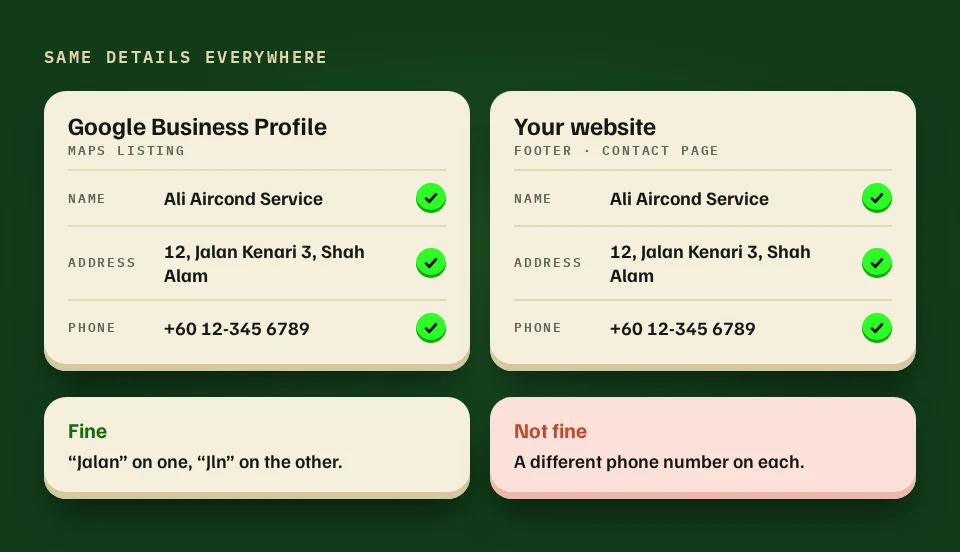
Your business name, address and phone number should match on your profile, your website, your Facebook page and anywhere else you're listed. Small differences, like "Jalan" on one and "Jln" on another, are fine. A different phone number on each one is not.
Reviews: ask, reply, never buy
- Ask right after a good job, when the customer is happiest. Send them your profile's review link on WhatsApp so it's one tap.
- Reply to every review, good and bad. A calm, specific reply to a bad review tells the next customer more than five stars do.
- Never buy reviews, swap them, or offer a discount for them. Google removes them, and can suspend the profile.
4 mistakes that cost you calls
- Adding keywords to your business name, like "Ali Aircond Service Shah Alam Cheap Best". It's against Google's rules and can get the listing suspended.
- Setting it up on a personal account that someone else controls.
- Choosing a vague category, then wondering why you don't show up.
- Never updating it. Old hours and old photos make people wonder if you're still open.
Do you still need a website?
Your profile answers "where are you, and are you open?" Your website answers "why you?": your services, your prices, your work and reviews in one place. Customers who find you on Maps often tap through to the website before they call.
If most of your customers find you on Google or Maps, a Website of up to 5 pages is usually the right pairing (how to choose a website type). Our Website package includes setting up your Google Business Profile. See what it includes.